
Browse the documentation
Home
Applications
Documentation
Customizing your profile and buzzer
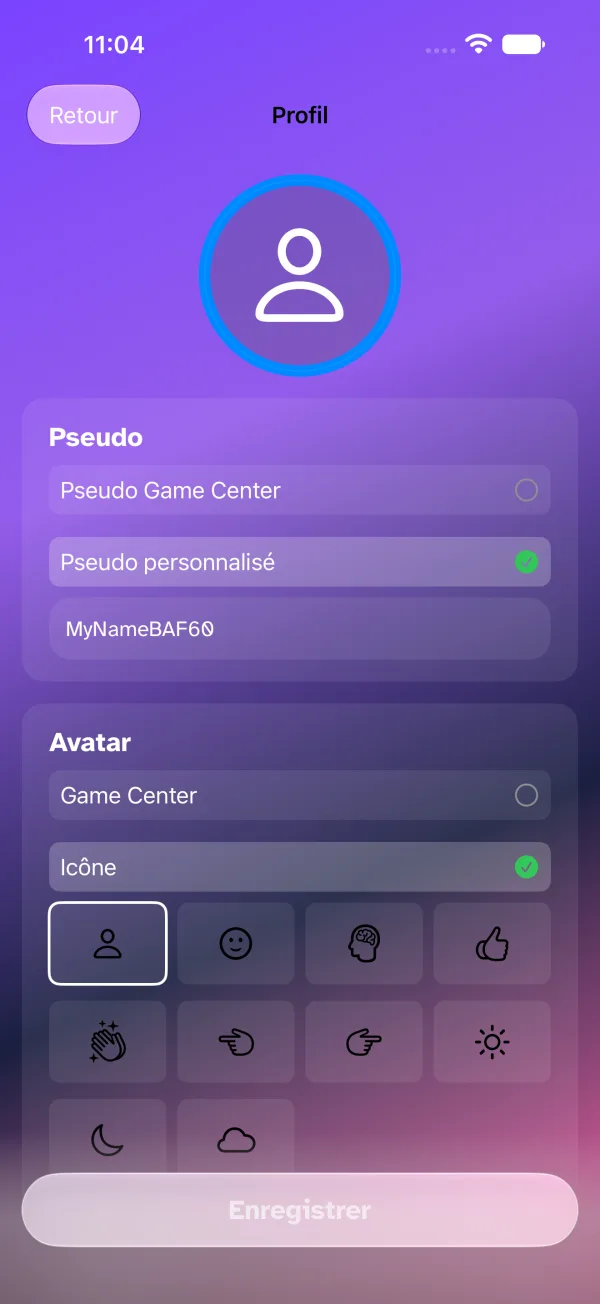
Nickname, avatar, outline, buzzer and countdown sound are all set on one page, opened from the home screen: your avatar and nickname at the top lead to the profile, the gear on the right opens the same page at the buzzer card.
What the others see of you
- Nickname — typed in, or taken from Game Center.
- Avatar — your Game Center photo, an icon, a photo from your library, an image generated by Image Playground, or an avatar from your history; Adjust crop for zoom and framing.
- Outline — none, a colour, or an outline image.
The preview at the top of the page follows every change.
What you will tap during rounds
- Buzzer style — Vinyl Record or Neon Pulse (a scrolling music sheet). The waiting room lets you try it.
- Countdown sound — Mobile, Harmonic, DJ or Arcade.
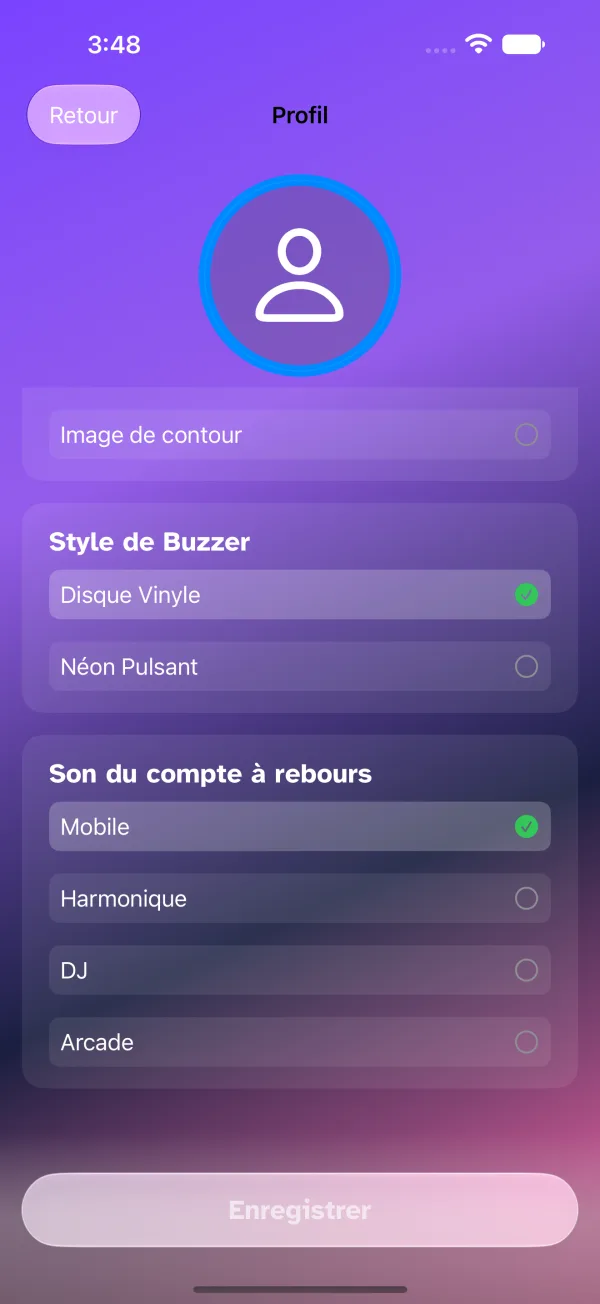
Tap Save, the white button at the bottom of the page (top right on Mac); when leaving with unsaved changes, the app asks whether to stay or discard them. Each setting is detailed in Customizing your profile.