Browse the documentation
Home
Applications
Documentation
Hints & tools
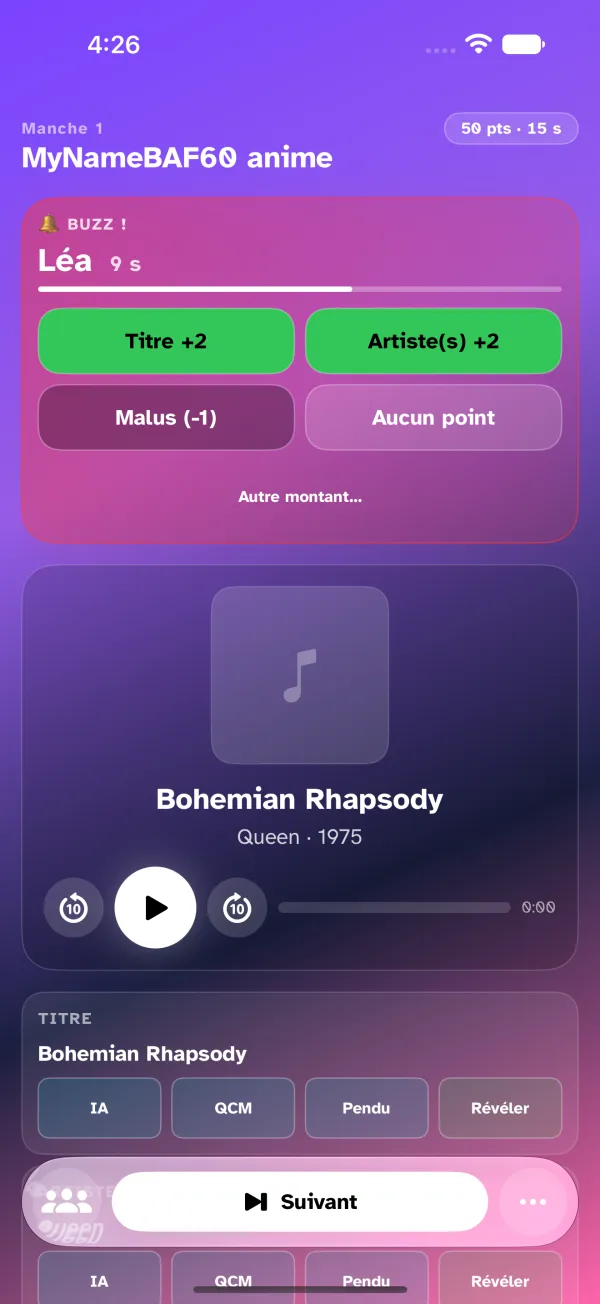
During a round, the host's screen — the control room — lists the fields the players have to find: the title, the artist, the album, the year, depending on the game settings and what is known about the song. Each field carries, inline, its four ways to help: AI, Quiz, Hangman, Reveal. The host thinks "the album, they're stuck" and taps next to the album.
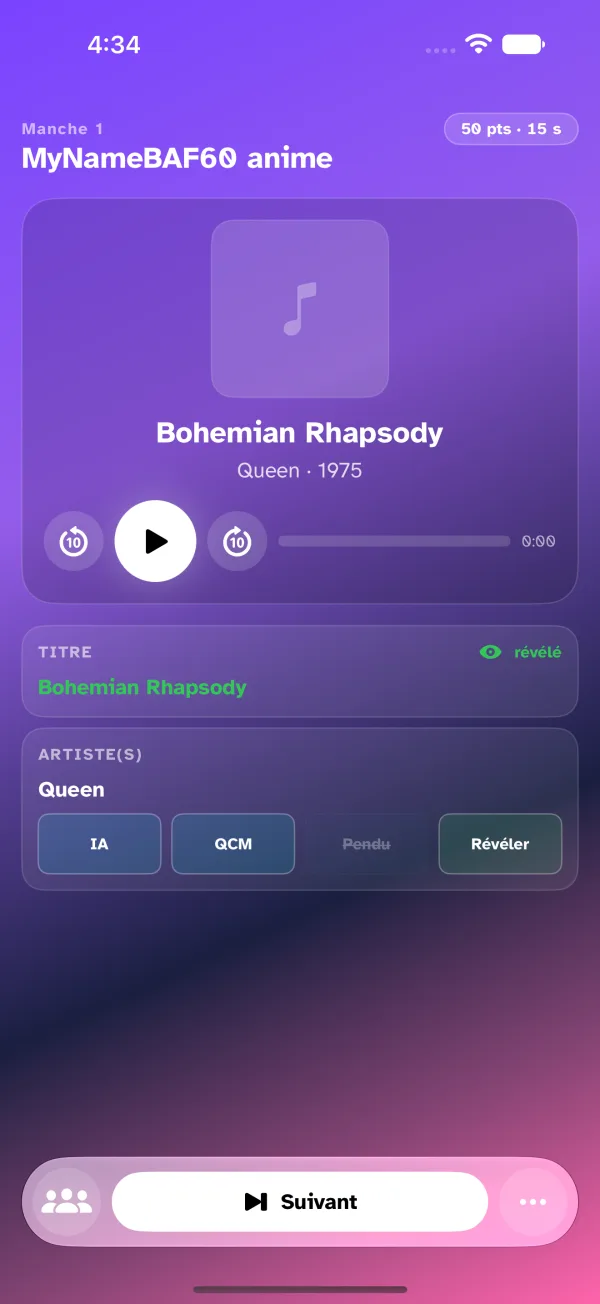
A means already used on a field is struck through for the round; a revealed field turns green and loses its buttons. The state of the round reads at a glance.
AI — a written hint
A one-sentence hint written by Apple Intelligence from the song, never giving the answer away: what the song is about, where the artist comes from, the era of the album, what happened that year. It appears on the players' screens. Without Apple Intelligence on the device, the app sends a hangman instead. Details are on the Artificial intelligence page.
Quiz — four options
The question and four options go to the players' screens, only one right. The first to tap the right one takes the floor, as if they had buzzed. Details are on the 4-choice quiz page.
Hangman
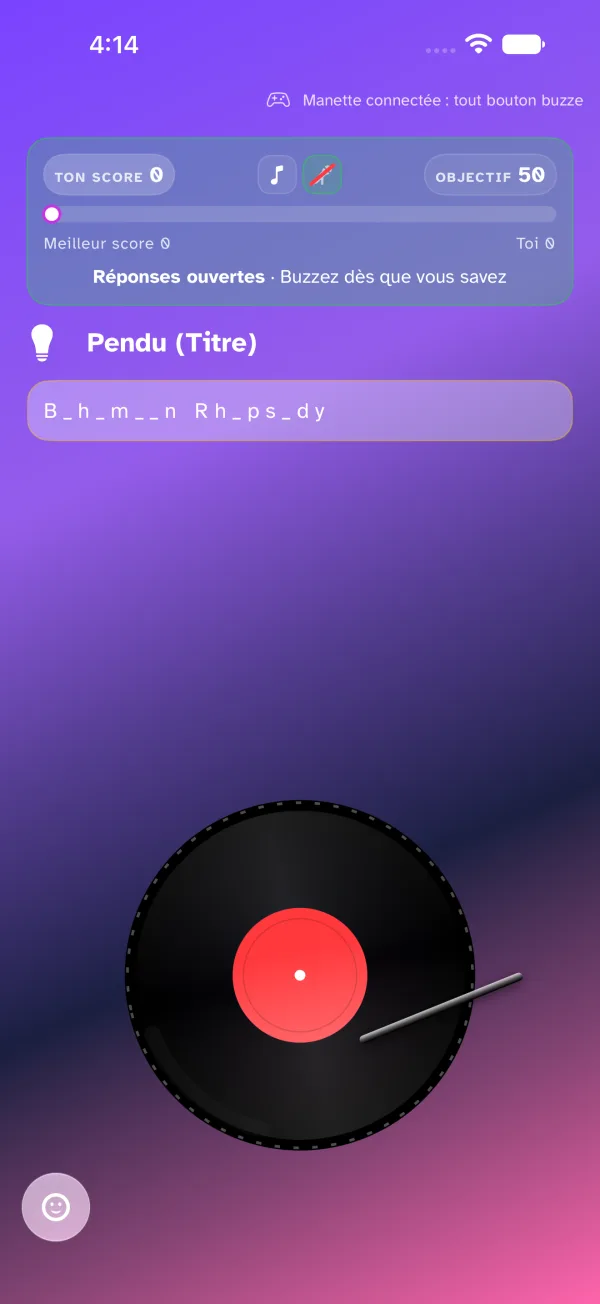
The field's value with about 60% of the letters masked by dashes; spaces and punctuation stay. Players see only the dashes and the letters left visible.
Reveal
The field is shown in clear to every player, and in green on the host's screen. Revealing a field ends the other means on that field.
From the More menu in the bottom bar, two more reveals: Reveal the cover (the album art goes to the players) and Reveal everything, which uncovers every field still hidden at once.
When a player buzzes
The buzz card lands at the top of the screen: the player's name, the speaking time running down, and the award right there — one button per field with its points (the field is then revealed to everyone), the game's penalty, or No points, which restarts the music and reopens the buzzers. Other amount… opens the detail for a free number of points, plus or minus.